Can custom margins leave no room for a caption?
Yes: a guide can remain visible yet be too narrow for a caption. The current sliders cannot reduce the guide to zero width or height, but a full caption box may still be larger than the space left. Check available size before trying to move the box.
The current controls do not collapse the guide
We checked the margin input limits in this tool. Each horizontal margin can reach 35 percent, while each vertical margin can reach 45 percent. Adding the horizontal limits gives 70 percent; adding the vertical limits gives 90 percent. Those maximum settings leave 30 percent of the frame width and 10 percent of its height. The remaining guide is small, but it is not mathematically empty.
A nonempty guide can still be too small
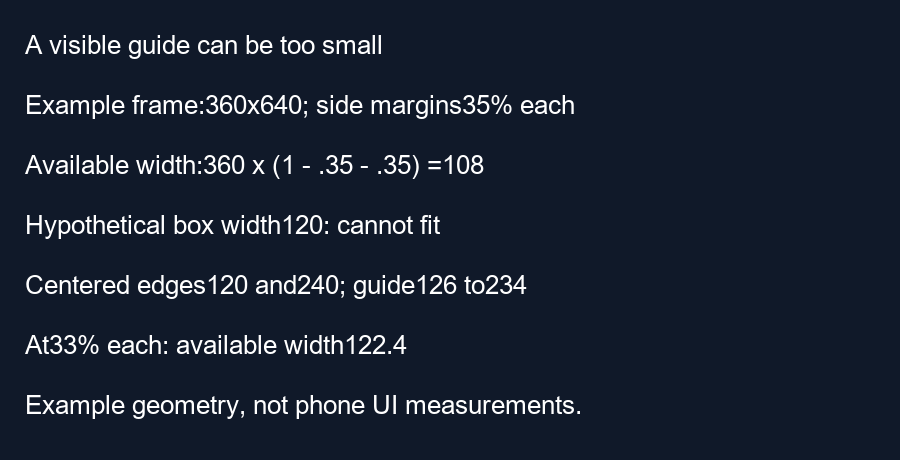
Take a chosen 360 by 640 frame with both side margins set to their maximum. The left boundary is 360 times 0.35 equals 126 pixels. The right boundary is 360 times 0.65 equals 234 pixels. Subtracting gives 108 pixels of available width. At maximum top and bottom margins, the corresponding vertical boundaries are 288 and 352 pixels, leaving 64 pixels of height.
Now choose a hypothetical caption background 120 pixels wide and 24 pixels high. These dimensions are example inputs, not measured text. Its height can fit into 64 pixels, but its width exceeds the guide by 12 pixels. No horizontal movement can make a 120-pixel box fit inside a 108-pixel interval. At the frame center, its edges are 120 and 240 pixels, extending six pixels beyond each side of the guide.
Calculate a usable adjustment before moving text
For that same 120-pixel box, the combined side margins must leave at least 120 divided by 360 of the width, or one third. Therefore the combined margin percentage must be no more than 100 times one minus one third, approximately 66.6667 percent. Choosing 33 percent on each side gives a sum of 66 percent and leaves 122.4 pixels. A centered 120-pixel box then has 1.2 pixels of geometric clearance on each side.
Our script independently asserts the guide widths, the failed centered box and the adjusted example. The smaller margins are only a calculation example. Reducing a guide margin does not remove YouTube interface elements or prove that a real subtitle is unobstructed. If the margins represent an area you need to avoid, change the real caption layout instead of shrinking the excluded area merely to get a fit message.
Separate size feasibility from position
A box first needs dimensions no larger than the available rectangle. Only then does choosing its center become useful. A fitting width alone does not establish a vertical fit, and neither establishes phone visibility. Measure the full exported caption treatment, including its background, then check the chosen guide and actual viewing context separately.
Questions and answers
Can these sliders make the guide width zero?
Not within their current limits. They leave at least 30 percent of frame width.
Does a visible rectangle mean my caption fits?
No. Compare the full caption dimensions with the remaining width and height.
Should I reduce margins just to remove a warning?
Keep margins meaningful for your intended review. Edit the real caption when the excluded regions still matter.
Check your frame · Calculate a center interval
Visual walkthrough
Text-led walkthrough without audio.