Why can the reference fit while my video subtitles still overlap?
The fit message checks only the reference caption you type into the tool. It does not detect subtitle boxes inside your uploaded image or video. Your source subtitles can overlap a guide even when the separate typed reference fits. Inspect the actual source text yourself.
Two independent rectangles
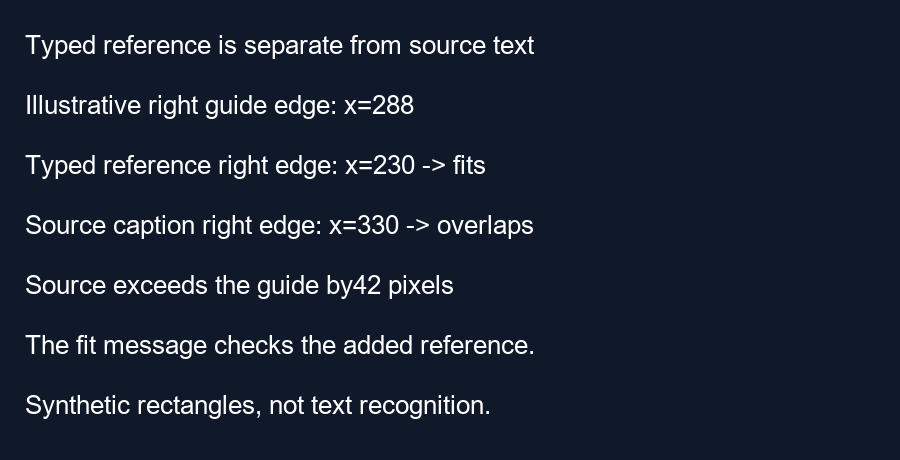
We constructed a counterexample using a 360 by 640 frame. Choose illustrative margins of 10 percent top and left, 20 percent right and 30 percent bottom. These create guide boundaries at x equals 36 and 288, and y equals 64 and 448. The values are chosen for this experiment, not official interface measurements.
Our typed-reference stand-in occupies the rectangle from x equals 90 to 230 and y equals 200 to 225. Its left edge is 54 pixels inside the guide and its right edge is 58 pixels inside. Its top and bottom edges are also inside. Testing its four inequalities therefore returns fits.
The source-caption stand-in occupies x equals 250 through 330 and y equals 410 through 435. Its right edge at 330 exceeds the guide boundary at 288 by 42 pixels. The other three sides remain inside. The source-caption rectangle therefore returns overlap. A fitting typed reference and an overlapping source caption coexist in the very same frame.
Our saved-image check
We drew the source-caption stand-in as a red rectangle in a synthetic PNG and saved it before adding any reference drawing. Reading a sample at x equals 320, y equals 420 from that saved source returned red. That sample lies outside the illustrative right boundary of 288. We then saved a separate preview that adds a green typed-reference stand-in near the center.
Reading the same sample from the preview still returned red. The added reference rectangle does not move or erase the source rectangle. Our script checks both sample colors and evaluates the four-boundary fit test for each rectangle. The rectangles are schematic stand-ins rather than rendered subtitles; this isolates the independence of source content and a separately drawn reference.
What the tool actually compares
In the current drawing function, the overlap expression uses the typed reference's computed box coordinates. The source image or video frame is drawn first; its subtitle pixels are not converted into text boxes for this comparison. There is no text-recognition step in that path. A fit message consequently describes the added reference, not all writing already visible in the media.
The experiment establishes a counterexample to treating the reference message as a whole-frame result. It does not measure recognition accuracy, test a phone or reproduce every browser font. Inspect actual source captions visually, including their full background boxes and changes across time.
Use the reference deliberately
Turn the typed reference off when it distracts from the actual subtitles. Review a final exported frame from your editor. If the real caption overlaps, change it in that project and check a new frame.
Questions and answers
Does a fit message mean my whole video is safe?
No. The message concerns the added reference box at the current settings.
Can changing the typed reference fix baked-in text?
No. It changes a separate drawing.
Can I still use the tool on subtitled media?
Yes. Inspect its visible subtitle pixels against the adjustable guide yourself.
Inspect your source frame · Review different moments
Visual walkthrough
Text-led walkthrough without audio.